A small photo studio. On your iPhone.
A little
more you.
Your favorite photos, with a different point of view. Circle crops, playful lenses, and a little room to create.
Download on the App StoreFor iPhone · iOS 17+ · In-app purchases
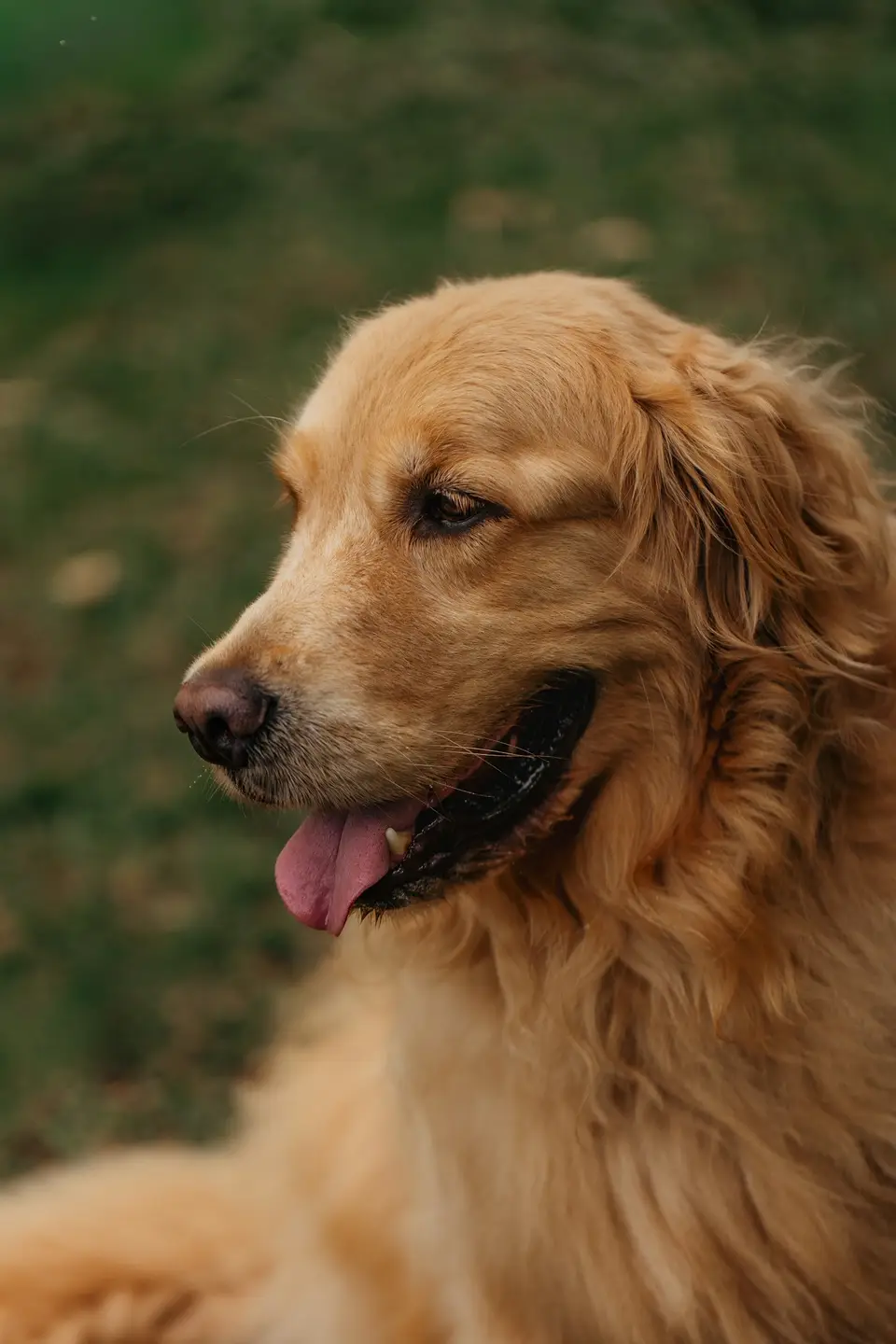
A little preview of the possibilities.
Find your circle.
A new frame for your favorite faces, places, and everyday things.
Make it your own.
Play with borders, backgrounds, filters, and lens effects.
Keep the whole set.
Adjust each photo, then save your circle crops together.
A few things worth sharing
The journal.
Why Is My Profile Picture Blurry on iPhone?
Compare your original photo, saved crop and uploaded avatar to find where detail is lost, then check the source, export and display size on iPhone.
5 min readHow to Add a Border to a Circle Photo on iPhone
Add a ring around a circular photo in Canva on iPhone, adjust its color and thickness, and keep the border visible when you save or upload it.
4 min readSame photos. New perspective.
Make something a little more you.
Download on the App Store